CapCut Guide · October 2026
How to make the bby wow video for CapCut
To make the bby wow video for CapCut, generate your clean vertical 9-second clip on Bby Wow Guy AI using one photo, then import the MP4 into CapCut to sync Karol G's "BbY WOW" audio, add captions, and export directly to TikTok or Reels.
Make yours from one photo
Updated
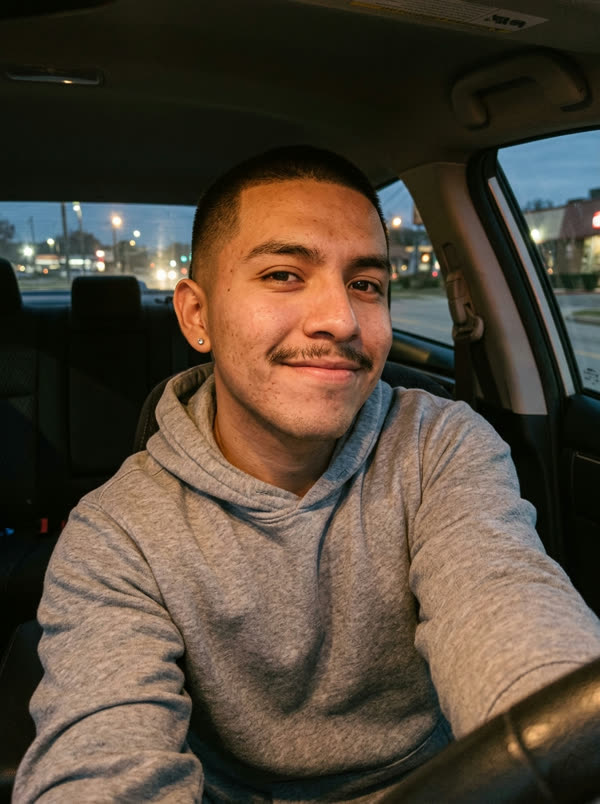 Made from this selfieReal output
Make it in 3 steps
- Create your 9-second video with AI. Upload your photo on Bby Wow Guy AI. In about 3 minutes, your 9-second vertical 9:16 video is ready with no watermark.
- Import into CapCut. Open CapCut, start a New Project, and select your downloaded vertical video.
- Add and sync the audio. Tap Audio → Sounds, search for "BbY WOW", and position the track so the beat drop matches the 4-second stare.
Why AI video generation works better than greenscreens
Static green screen cutouts often look flat and leave awkward edges around hair and shoulders. AI video generation recreates the entire body movement, lighting and party atmosphere around your actual face, producing a seamless unbroken shot.
Step-by-step CapCut editing tips
- Keep the 9:16 vertical aspect ratio for full-screen TikTok and Reels display.
- Use CapCut's Text tool to add bold meme text (e.g., 'POV: Your dad at the party').
- Keep color grading natural — the AI clip already matches warm party lighting.
FAQ
Does the output have a watermark?
No watermark. The generated MP4 is clean and ready for editing in CapCut.
What format does it export?
Vertical 9:16 MP4 (720×1280, 30fps), optimal for mobile editing apps.
How long does generation take?
Usually ready in about 3–5 minutes, always within the hour.